
Idea → new image
Create
Describe a subject, setting, composition, lighting, and visual direction. Use a source image when words should not invent the starting point.
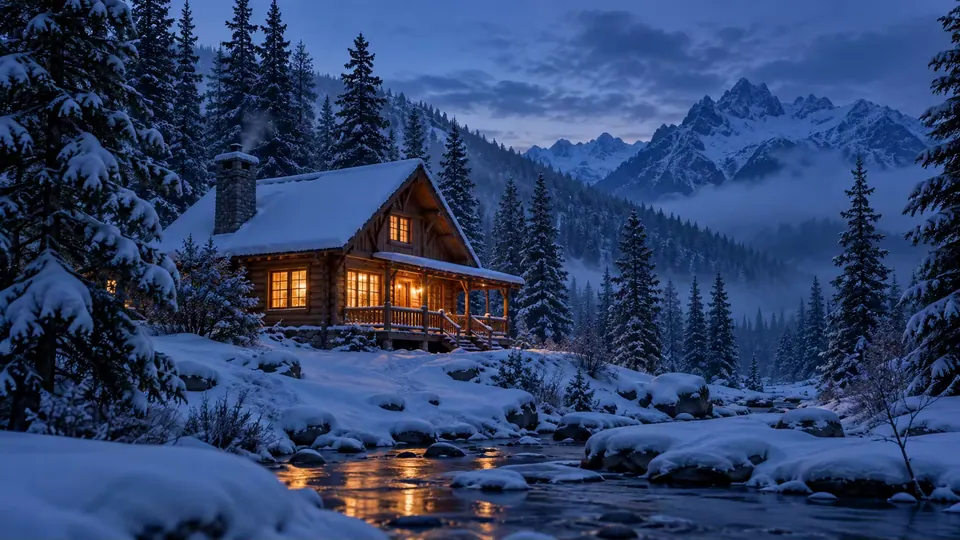 Start creating →
Choose by outcome, not by model name
Start with the result you need. Learn the workflow, see a real source and result where one is available, then open the tool that can complete the next step.
 Source
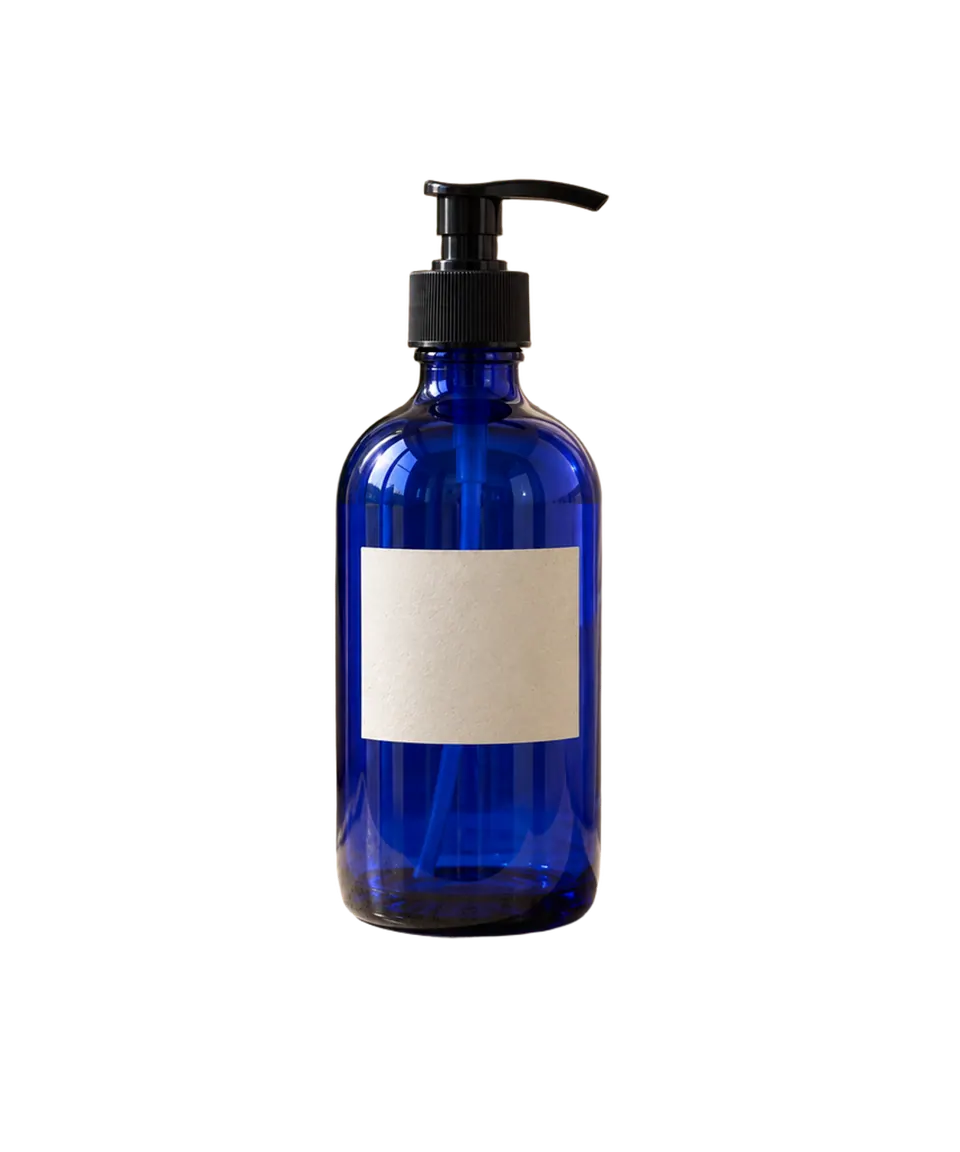 Transparent result
Not sure which tool?
Start with an idea, restyle an image, or change one part of a photo. Compare the results before you choose.
Source → result → next action
The same image can lead to different tools. A whole-image reinterpretation belongs in Image to Image; one local change belongs in Photo Editor; isolating the subject belongs in Background Remover.
Idea → new image
Describe a subject, setting, composition, lighting, and visual direction. Use a source image when words should not invent the starting point.
Start creating →
Existing image → new interpretation
Restyle or reimagine the whole image while using the source for subject and composition. Expect a newly generated interpretation, not a pixel-preserving edit.
Keep the image → change one thing
Remove an object, replace a background, relight, restore, or retouch while stating what must remain unchanged.
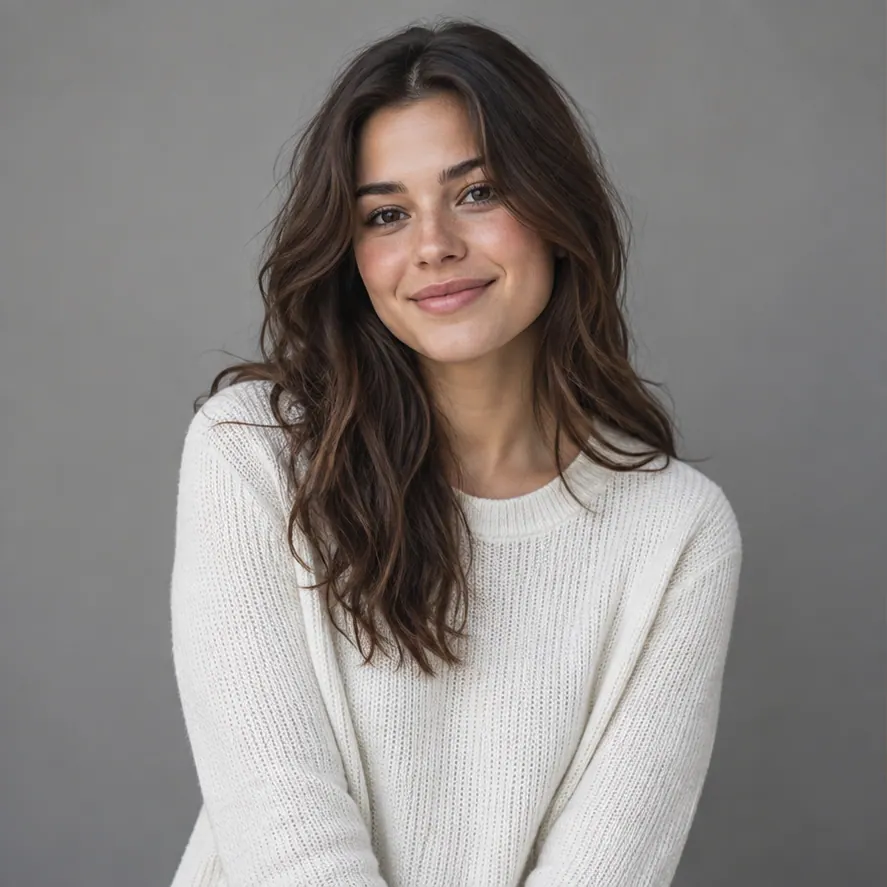 Before
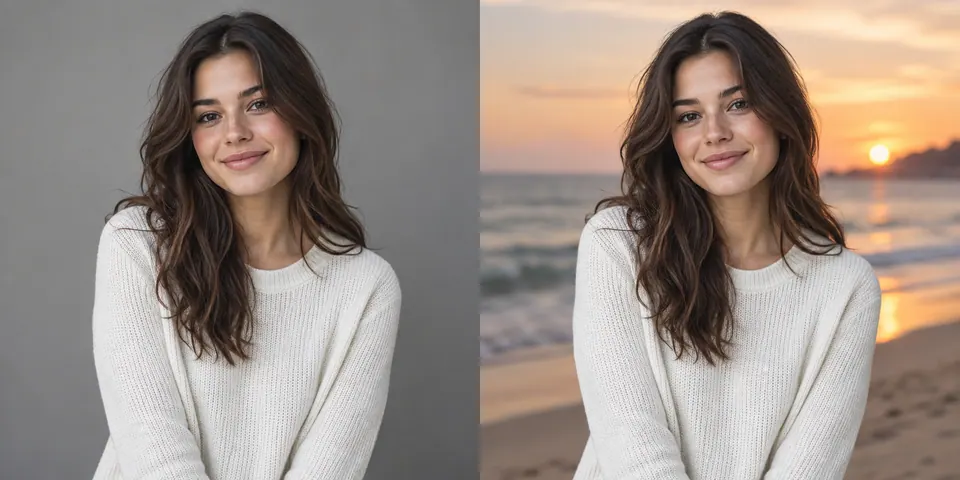 After
After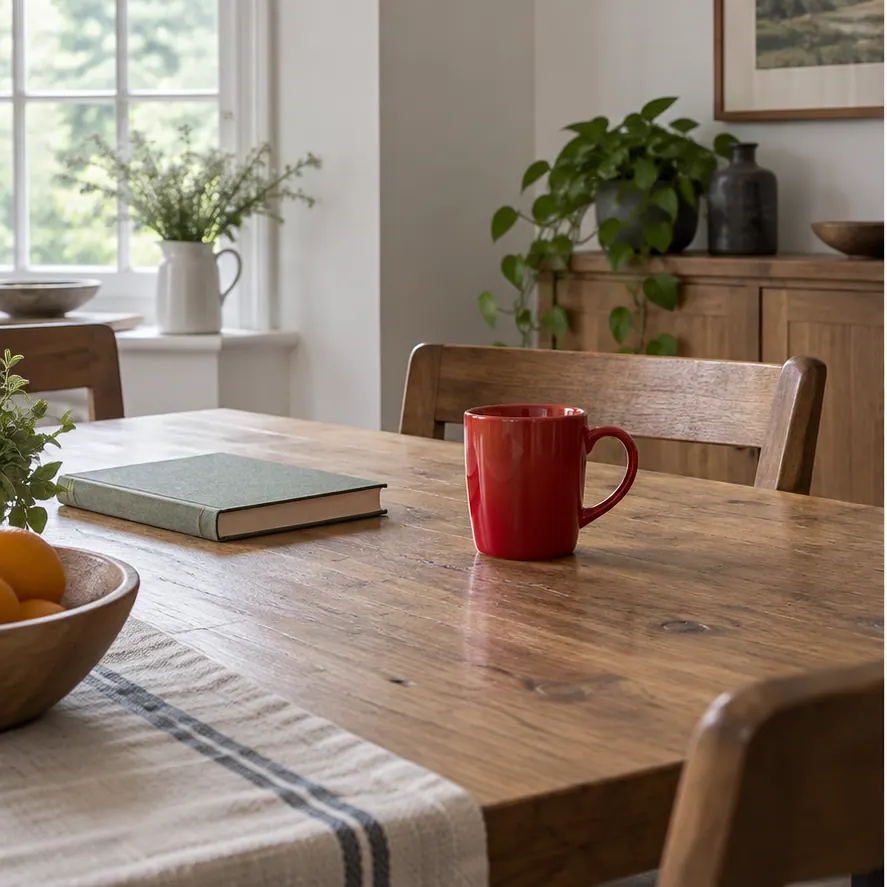
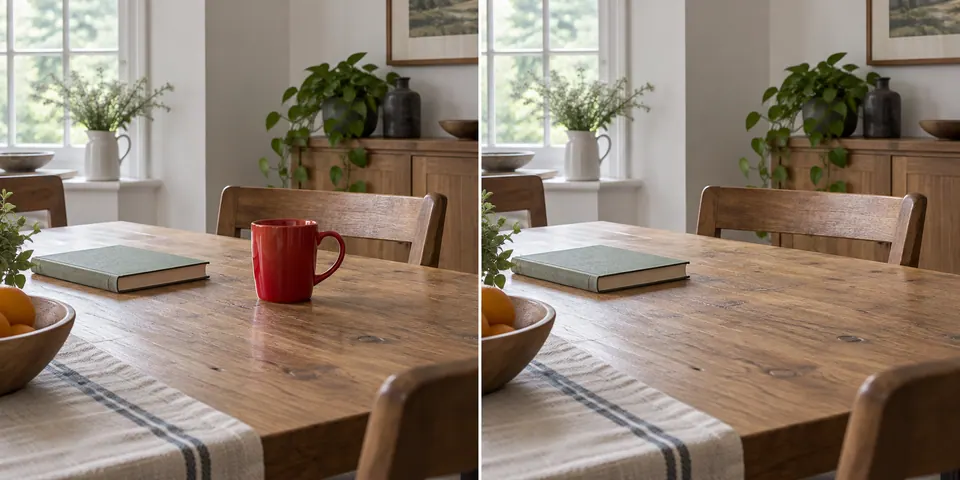
Keep the image → remove the problem
Keep a photo you already like and remove one distracting element. Brush over it in Image Cleanup, compare the filled area, and download or make another small edit.
Source photo → reusable subject
Remove the scene, inspect hair, fur, glass, and fine edges, then choose transparent, white, a product canvas, or a new background.
Choose a task-specific workspace when the problem is a person, text, wrinkle, glare, cast shadow, or signature background—not a general model or style choice.
Source → result → next action
Product photo → cutout
Keep a reusable cutout, inspect reflective edges, then decide whether the next asset should stay transparent, become white, or move into a new scene.
Start with Background Remover →Photo → focused edit
Keep the subject and request one focused background change. This is an edit—not another background-removal pass and not a whole-image restyle.
Open the background edit →Photo → new interpretation
Use the whole source image to guide a new visual treatment. Protect the important subject and composition in the instruction, then compare the new result with the source.
Start Image to Image →Inspect before publishing
Automatic removal is a first cut. Open the matching real test case, inspect it on contrasting surfaces, and use Refine when the issue is local.
Product image workflow
Keep the transparent cutout as the reusable master. Compose a consistent white or branded listing image, or move the product into a new scene when the commercial asset needs more than isolation.
Remove and inspect the original background, then keep the cutout available while you choose a finished outcome.
Start with Background Remover →Prompting & inspiration
The Prompt Guide explains the visual decisions that matter. Product, interior, and editing collections show how the instruction changes when you start from an idea, an existing image, or one focused edit.
Moving an existing workflow
Choose single image, bulk, API, or integration guidance. The Migration Center only sends you to workflows that are available now.
Ecosystem reference
These pages preserve useful information about models, interfaces, and conditioning methods. They do not mean the current Image Generator offers the same model selector, ControlNet, sampler, CFG, negative-prompt, or LoRA controls.
Browse Stable Diffusion Reference →