
Construction details
Keep seams, pleats, pockets, cuffs, printed graphics and intentional drape outside the selection.
Localized garment retouch
Brush over one temporary crease in plain or low-detail fabric. Seams, prints, hems, hands, body contours and every pixel outside the selection stay as they are in the final PNG; patterns inside the mask can still change.
Select a wrinkle ↓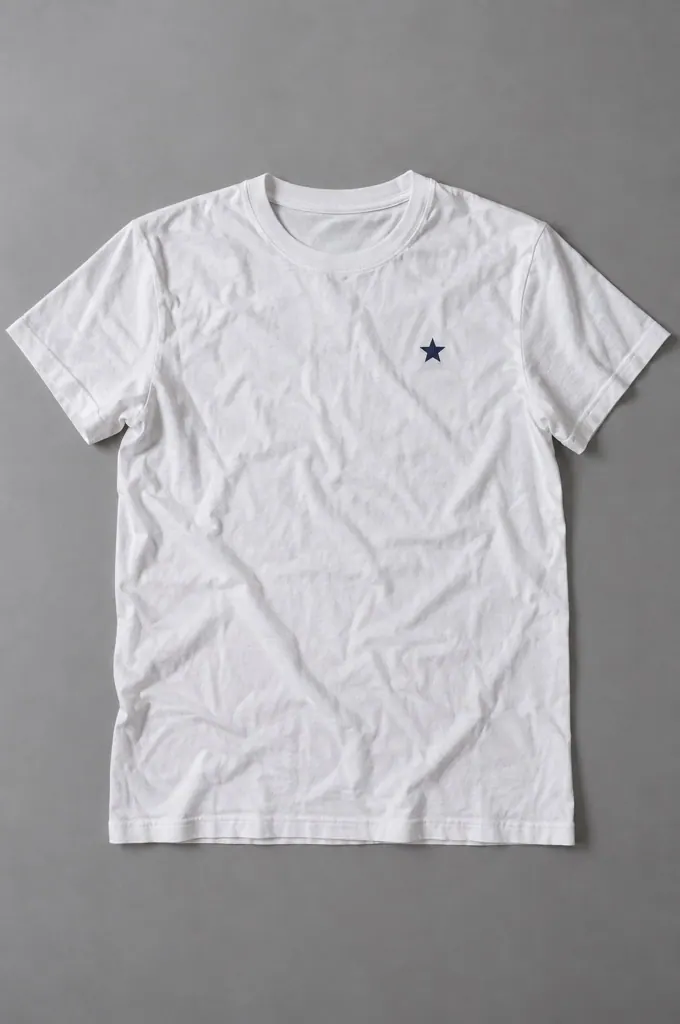
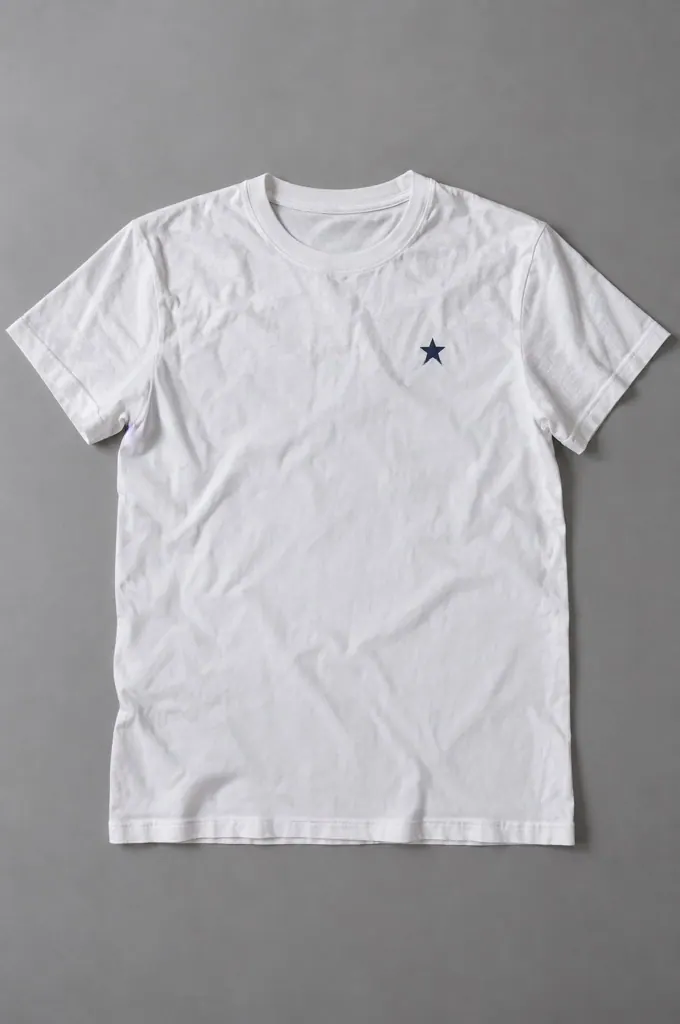
Local photo cleanup
Paint only over temporary creases in plain or low-detail fabric. Keep seams, patterns, graphics, garment edges, hands and body contours outside the selection.
Keep seams, pleats, pockets, cuffs, printed graphics and intentional drape outside the selection.
Paint across the narrow high-contrast ridge and its immediate shadow, leaving surrounding weave for reference.
Check texture, folds, logos, hands and silhouette. Lower strength or reduce the mask if fabric turns plastic.
Flat-lay clothing, catalog garments and small plain-fabric areas with visible weave and no overlapping hands. These provide enough nearby evidence for a narrow local repair.
Rebuilding patterned or printed fabric can blur or change repeated motifs; use this tool on plain or low-detail fabric. Faces, hands, transparent materials and wrinkles that define garment shape are also not suitable for this cleanup.
Preparing a listing? After wrinkle cleanup, continue to Product Background Remover for cutout and canvas framing, or return to Image Cleanup.