
Date stamp
A small timestamp over a continuous photographic surface—the safest first case.
Text-aware surface repair
Select a date stamp, caption, sign or label. The workflow rebuilds only the covered surface, then composites untouched source pixels everywhere else.
Select text ↓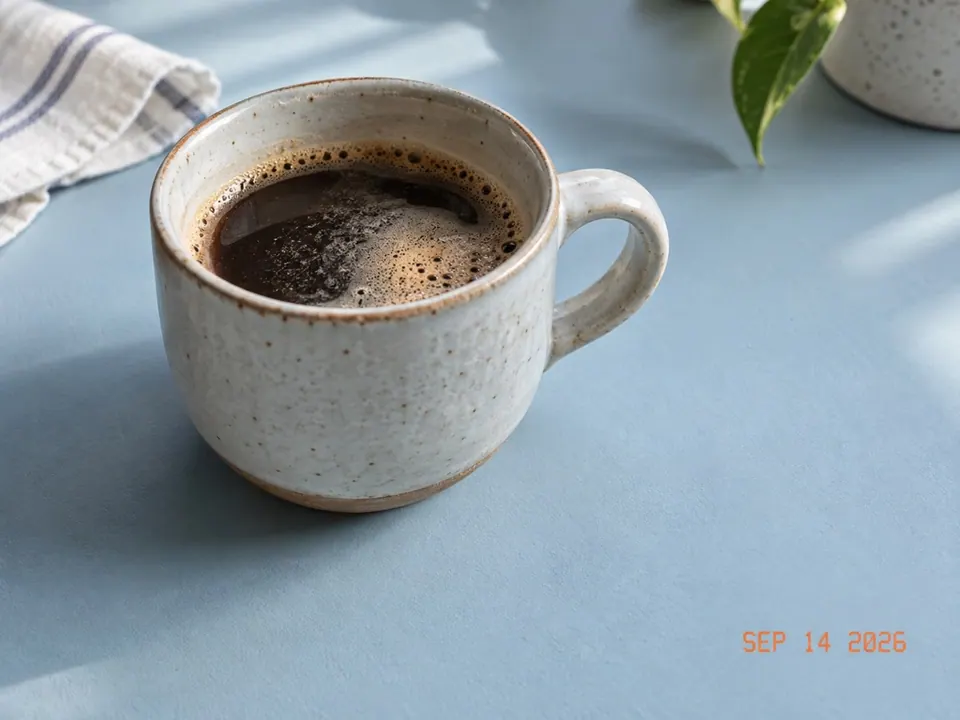

Local photo cleanup
Use a rectangle for a caption or sign, then brush around irregular letters. Nearby text outside the mask remains untouched.
Match the surface behind the text
A small timestamp over a continuous photographic surface—the safest first case.
Short overlaid type where the image texture is visible around every side.
Preserves the physical sign but reconstructs the selected lettering area.
Continues package material and curvature; logos and dense layouts need close review.
A timestamp over tabletop, sky, wall or fabric exposes enough surrounding texture to continue. Use the smallest mask that fully covers every character.
Removing words from a bordered sign or curved package can produce invented glyphs, bent edges or a different material. Refine the mask, reduce strength, and keep critical adjacent text outside it.
Use this for text you created, own, or have permission to edit. Keep ownership and attribution information when it needs to remain. For a handwritten signature on paper, use Signature Background Remover; for non-text distractions, use Remove Object.