
01 · DETECT
Choose the right person
Detection supplies candidate boxes; it does not decide who should disappear. Click one box, then inspect the overlay.
Person-aware local cleanup
Upload a photo, click a detected person, refine the selected area with brush or erase, and rebuild only that part of the scene. The final file restores every pixel outside your mask from the source.
Choose a person ↓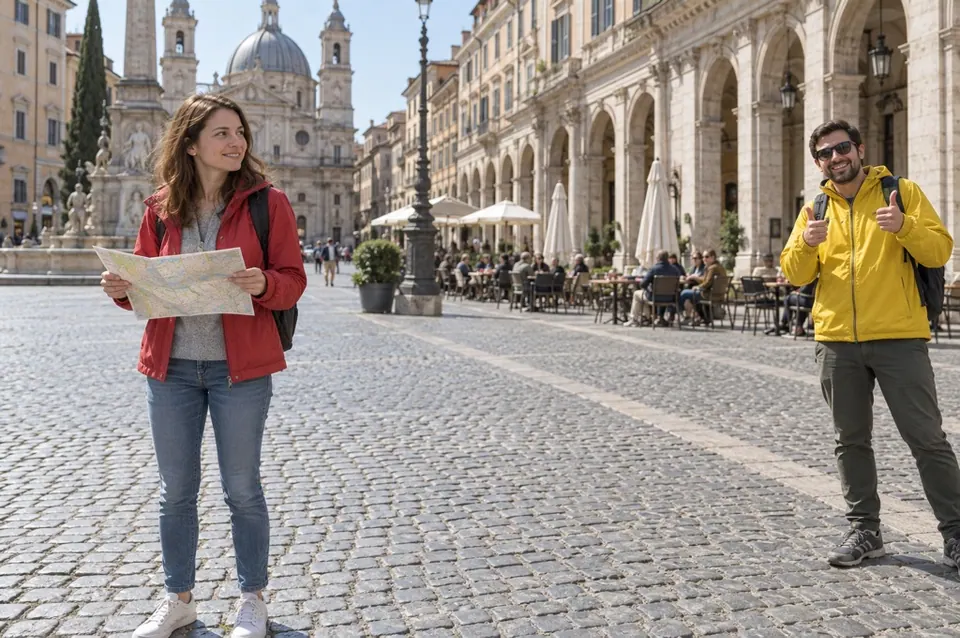
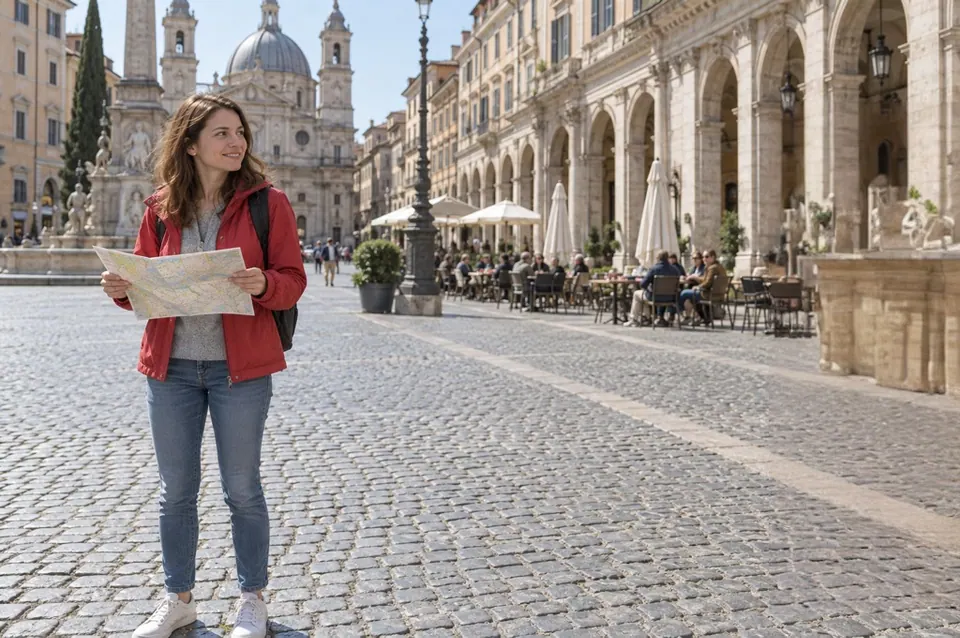
Local photo cleanup
Automatic detection gives you a starting box. Refine it with brush or erase before running the localized edit.
01 · DETECT
Detection supplies candidate boxes; it does not decide who should disappear. Click one box, then inspect the overlay.
02 · REFINE
Brush over limbs, bags and a cast shadow that should go. Erase protected people, signs and structural edges from the mask.
03 · REVIEW
Large occlusions reveal less of the real scene. Look for doubled lines, repeated texture and implausible anatomy before download.
For a photobomber, passerby, or one person near an edge where the surrounding floor, wall, landscape or crowd gives the model enough context.
For a small non-human distraction, use Remove Object. To isolate the main subject, use Background Remover.
Real limits
The hidden background cannot be recovered from one photo. It is generated. Overlapping faces, hands, railings, text and repeating architecture are higher-risk cases.
Remove people one at a time. After each result, either refine the same mask or make the result the new source before removing another person.
Return to Image Cleanup to choose a different task.