
Choose the destination ratio first
Square works for many avatars; 4:5 and 3:4 retain more shoulders for CV and profile layouts. Requirements vary, so verify the final destination.
Profile, CV, and social portrait framing
Remove the scene, choose a square or portrait frame, place the eyes and shoulders, inspect hair against contrast, and export a white, neutral, or custom-background image.
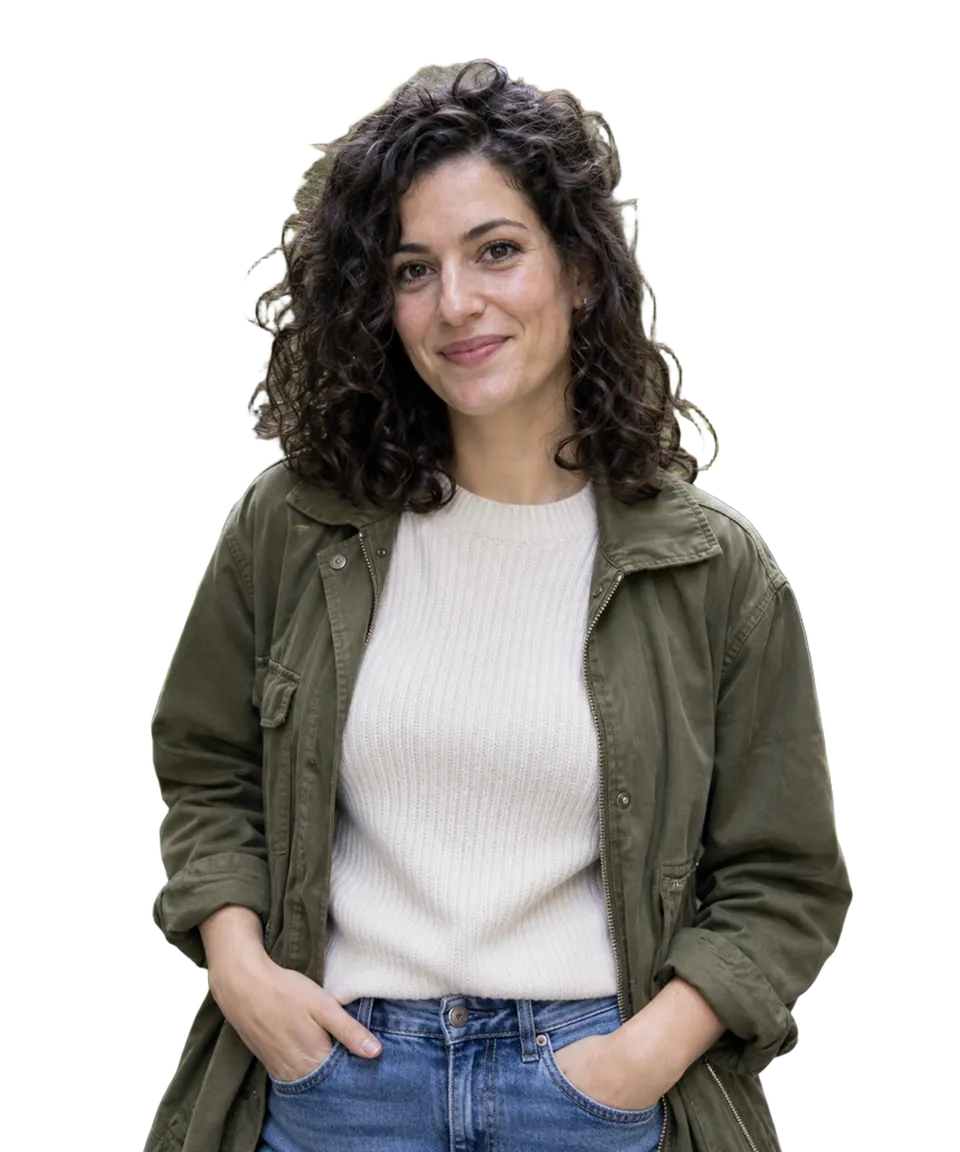
Portrait preparation
Use a portrait with enough room around hair and shoulders. Removal runs once; crop, position, and background choices render locally.
Live output pixels
Check hair against both the chosen surface and a dark preview in the original cutout. Confirm eyes remain level, shoulders are not clipped, and the face is not pushed too close to the frame.
Choose a recent background-removal result and apply this workflow’s crop, position, and surface without running removal again.
No recent cutout is available yet.
A transparent portrait can still fail as a profile image when the eyes sit too low, shoulders are clipped, or the face has no room around it. Set the destination ratio before deciding scale and padding.
Square works for many avatars; 4:5 and 3:4 retain more shoulders for CV and profile layouts. Requirements vary, so verify the final destination.
A pale halo can disappear on white and reappear on gray. Use the cutout refinement controls before committing to the canvas.
This workflow changes background and composition. It does not retouch a face, guarantee biometric-photo compliance, or reconstruct cropped clothing.
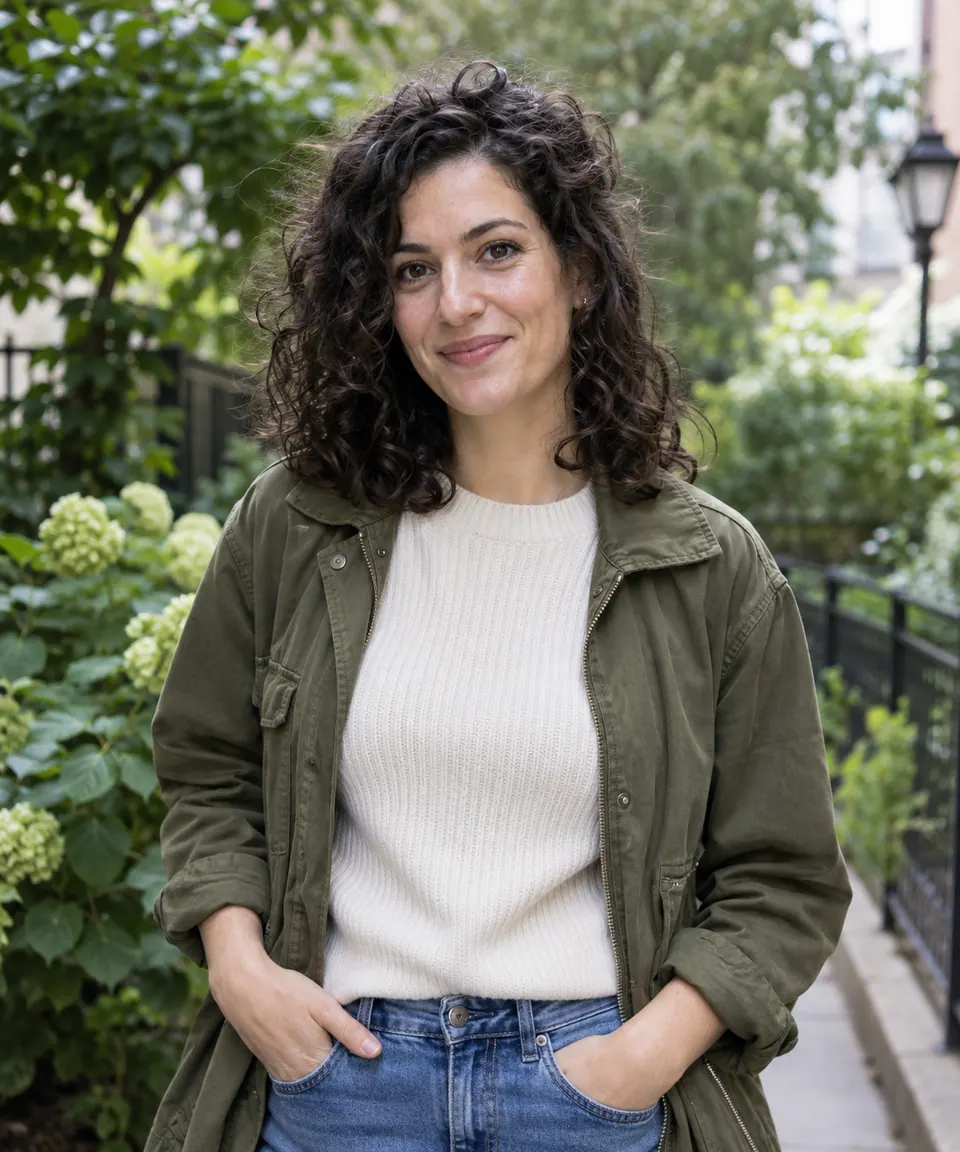
LOOK AT THE HAIR, THEN THE FRAME
Compare curls on light and dark previews. Restore hair removed by mistake and erase obvious fringe before deciding the final crop. This example is a useful inspection case, not a guarantee for every hairstyle.
USE THIS STEP WHEN
Use this page to position an existing person on a profile-ready surface after checking the hair edge.
CHOOSE ANOTHER STEP WHEN
Use Photo Editor for an explicit retouch. This page does not create a new identity, repair facial features, or certify passport, visa, or biometric requirements.