
Ink mode
Auto compares paper color and darkness. Black and Blue bias extraction toward the chosen ink family.
Keep your handwriting private
Turn dark or blue handwriting on light paper into a transparent PNG. Processing runs in your browser, with ink, threshold, noise and preview controls you can judge before download.
Extract a signature ↓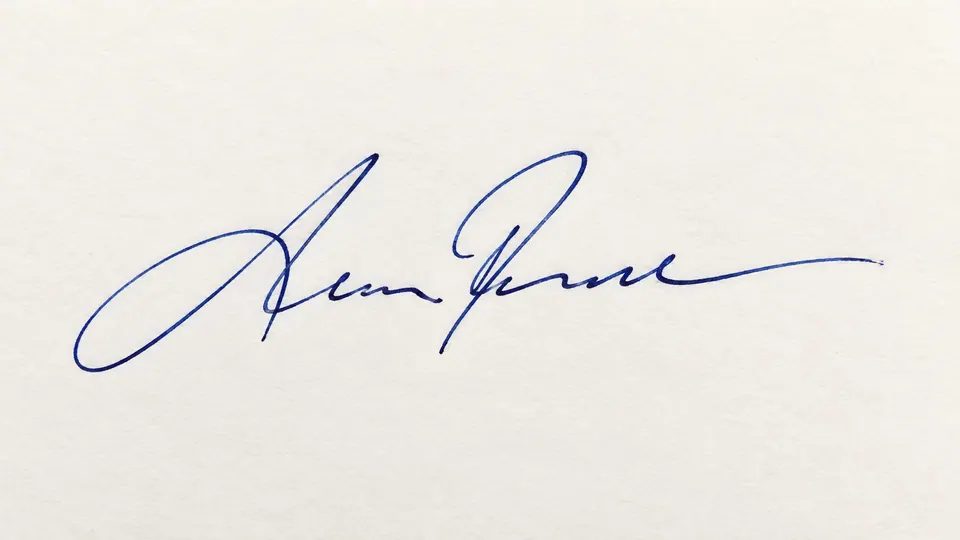

Deterministic ink extraction
Processing stays in your browser. Adjust ink color and cleanup strength while the original handwriting remains the source of every output pixel.
What the controls mean
Auto compares paper color and darkness. Black and Blue bias extraction toward the chosen ink family.
Lower values retain faint pressure changes; higher values discard more paper texture and shadows.
Check transparent edges on white, dark and checkerboard backgrounds before using the PNG elsewhere.
Use this for handwriting on light paper. It removes the paper around the ink without generating replacement pen strokes. Check pale lines and small gaps before saving the transparent PNG. For people, products and logos, use the AI Background Remover.