Text to Image
Free AI Image Generator
Turn a few words into an image worth sharing. Write a text prompt, explore styles, and create your first image for free—right in your browser.
No sign-up needed to start. Guest generations have usage limits; a free account gives you a higher daily allowance.
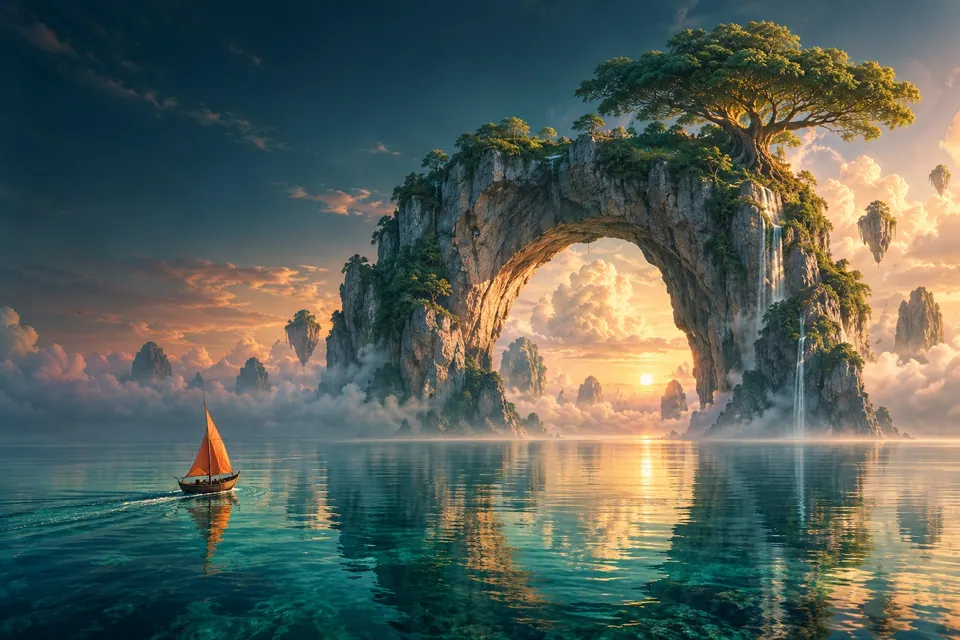
“A small sailboat beneath a floating island at sunrise…”
Create your image
Write a prompt below and see where it takes you.
Create an image from text
Visual style
20 styles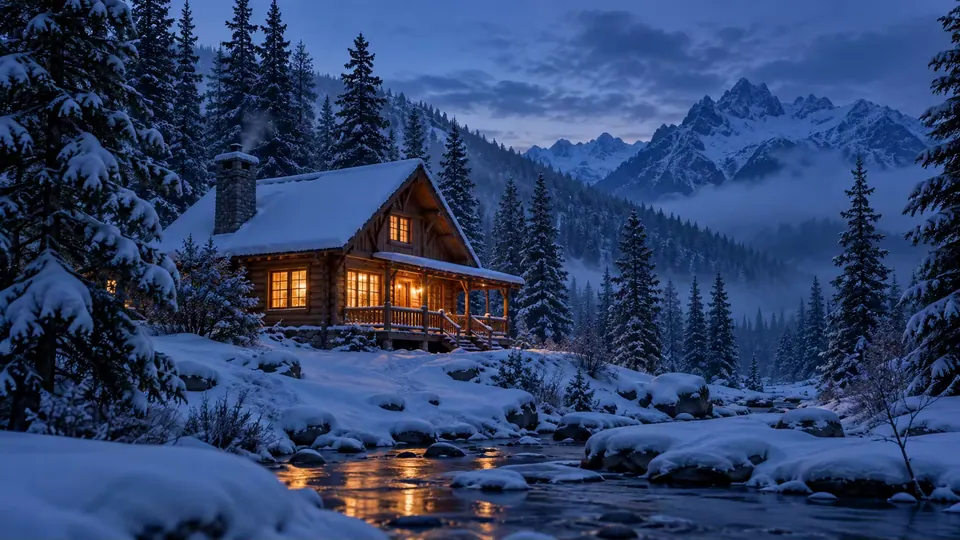
Image preview
ExamplePrompt inspiration
Start with a scene, make it yours
A small wooden cabin in fresh snow at blue hour, warm light through the windows, pine forest, wide cinematic composition
Start from an example
See what the generator can make. Use any prompt, then change the details before you generate.
Turn a short idea into a useful prompt
Start with the subject. Add the setting, light, and composition only when they matter to the image.
Need an idea? Browse prompts and real examples →A cabin in the snow
A small wooden cabin in fresh snow at blue hour, warm light through the windows, pine forest, wide cinematic composition
Subject: a small wooden cabin · Setting: fresh snow and pine forest · Light and composition: blue hour, warm windows, wide frame
CONTINUE YOUR IDEA
Choose the right tool for your image
A prompt is one starting point. Take your result into a new workflow, or find a stronger idea for the next image.
FROM PROMPT TO IMAGE
AI Image Generator questions
How to start from words, guide the result, and decide what to do with the image next.
Questions about files, limits, or saved images? Read the FAQWhat can I create from a text prompt?
Describe a subject, setting, light, or mood to create a new image. You can also choose a style direction and aspect ratio before generating.
How do I write a better image prompt?
Start with the main subject, then add only the setting, lighting, and framing that matter. If you need a starting point, adapt an example from the prompt library.
Which aspect ratio should I choose?
Use 1:1 for a square image, 3:4 or 9:16 for a portrait, and 4:3 or 16:9 for a landscape. Choose the shape that fits where you plan to use the image before you generate.
Can I try it without signing in?
Yes. You can generate images as a guest within the available usage limits. Signing in gives you a larger allowance and lets eligible results appear in Creations. The tool shows you when a limit is reached.
Why did the result miss part of my prompt?
The model interprets your description rather than following it like a precise layout. Put the most important subject and details first, remove conflicting directions, and try again. Small text and exact details may still come out differently.
Can I start with a photo instead of text?
This tool starts with a written prompt. If you already have an image and want to change its style, lighting, or scene, upload it to Image to Image.
Can I fix one detail after generating?
Yes. Send the result to the AI Photo Editor to remove an object, replace a background, or make another focused change.
How do I save an image I like?
Use Download on the finished result to save a copy. When signed in, eligible results can also appear in Creations so you can find them again.
MAKE SOMETHING NEW
Give your idea a first image.
Describe a scene, choose a shape, and see where your prompt takes you.
Create an image