
Product highlight cleanup

Reduce a distracting glare patch in a product photo.

Select one localized hotspot and rebuild it as a controlled highlight without repainting the whole image. The result is plausible material detail—it cannot recover label pixels or texture that glare concealed.

Select product glare ↓
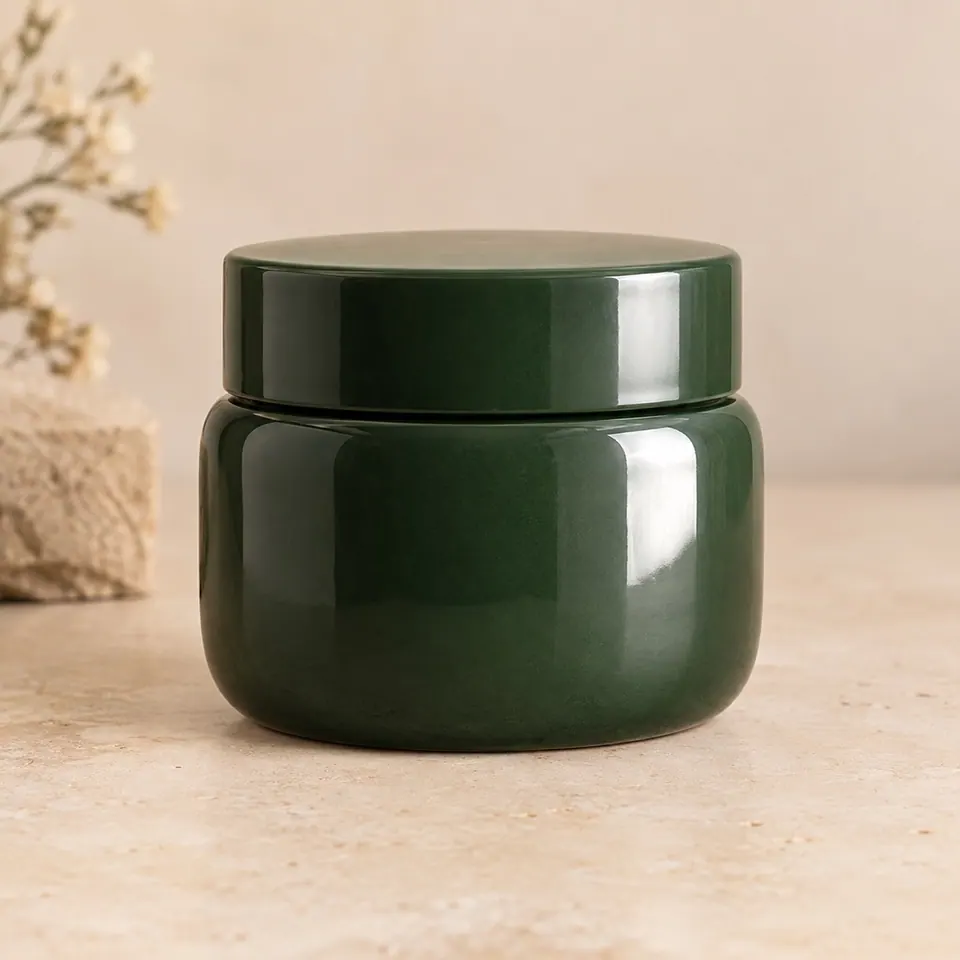
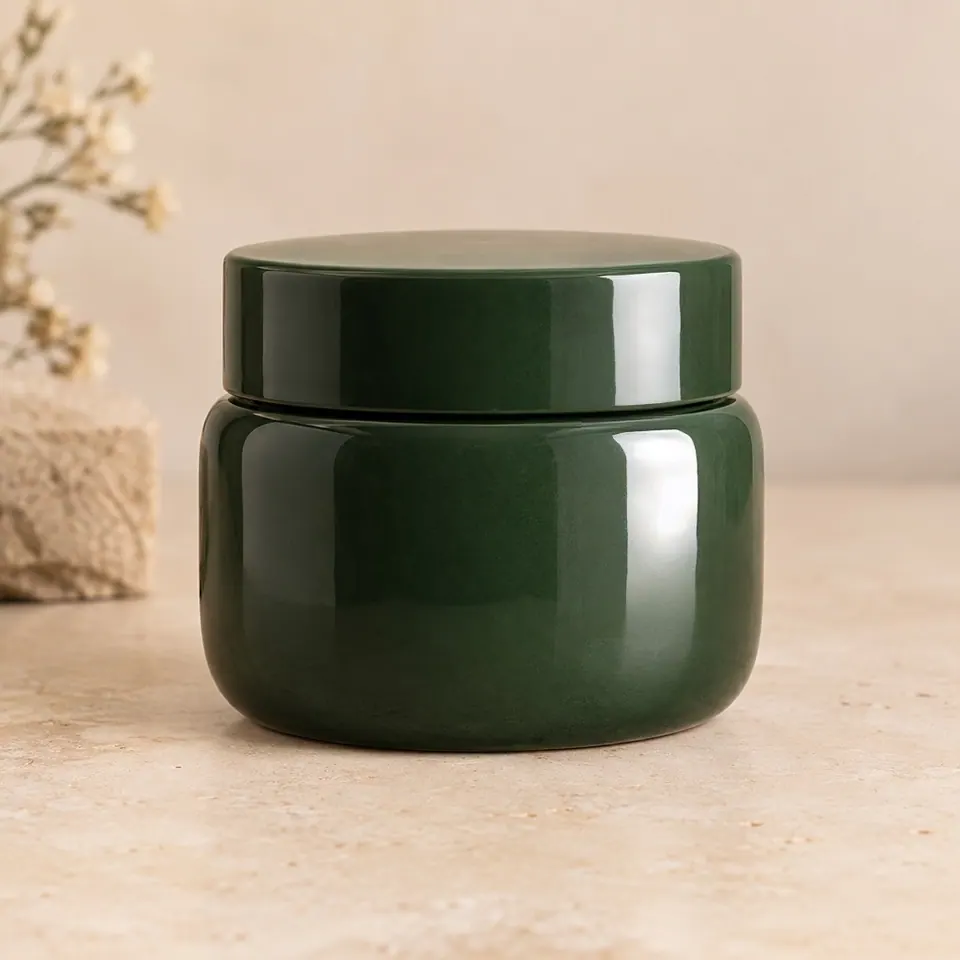
Glossy green jar with a distracting irregular glare patchGreen jar after the selected glare was rebuilt as a cleaner studio highlight
In this example, the irregular blown patch becomes a cleaner controlled highlight rather than a falsely matte surface. Pixels outside the rectangular selection come from the original-resolution source.

Local photo cleanup

Reduce a selected hotspot on a product photo

Rebuild one limited glare patch as a controlled material-aware highlight. This cannot recover label detail or true pixels hidden by glare.

JPEG, PNG or WebP · up to 10 MB

Best starting point

Localized product hotspots

Glossy packaging and product surfaces can keep a believable highlight while one distracting clipped patch is reduced. Keep labels, logos, hard silhouette edges and transparent packaging outside the mask.

Not offered yet

Glasses and window reflections

Repairing glasses glare can change the eyes or frames, and large window reflections may remain visible. Use this tool for small product highlights; it is not suited to those other cases.

Preserve believable light

A glossy product should still reflect light. The goal is to reduce one distracting blown patch, not erase every highlight and make the material physically implausible.

No hidden-detail promise

When glare clips a label or material texture, the original detail is absent. Generated replacement may look natural but is not documentary recovery. Keep important printed details outside the mask and inspect the result at full size.

If the problem is a dark cast rather than a bright reflection, use Shadow Remover. For product framing after cleanup, continue to Product Background Remover.