
Cast-shadow cleanup

Reduce a cast shadow and keep the scene’s light believable.

Mask a shadow projected onto a wall, floor or tabletop, then rebuild only that area at a controlled strength. Original-resolution source pixels remain outside the selection.

Select a cast shadow ↓
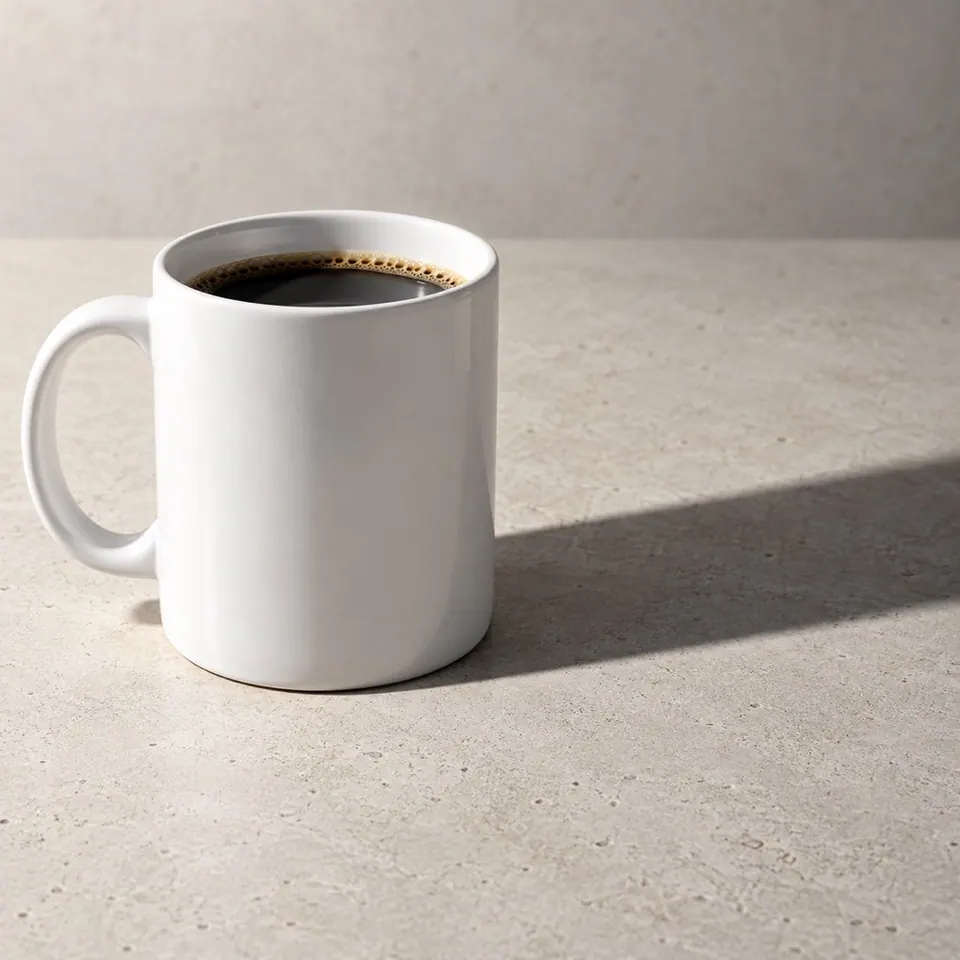
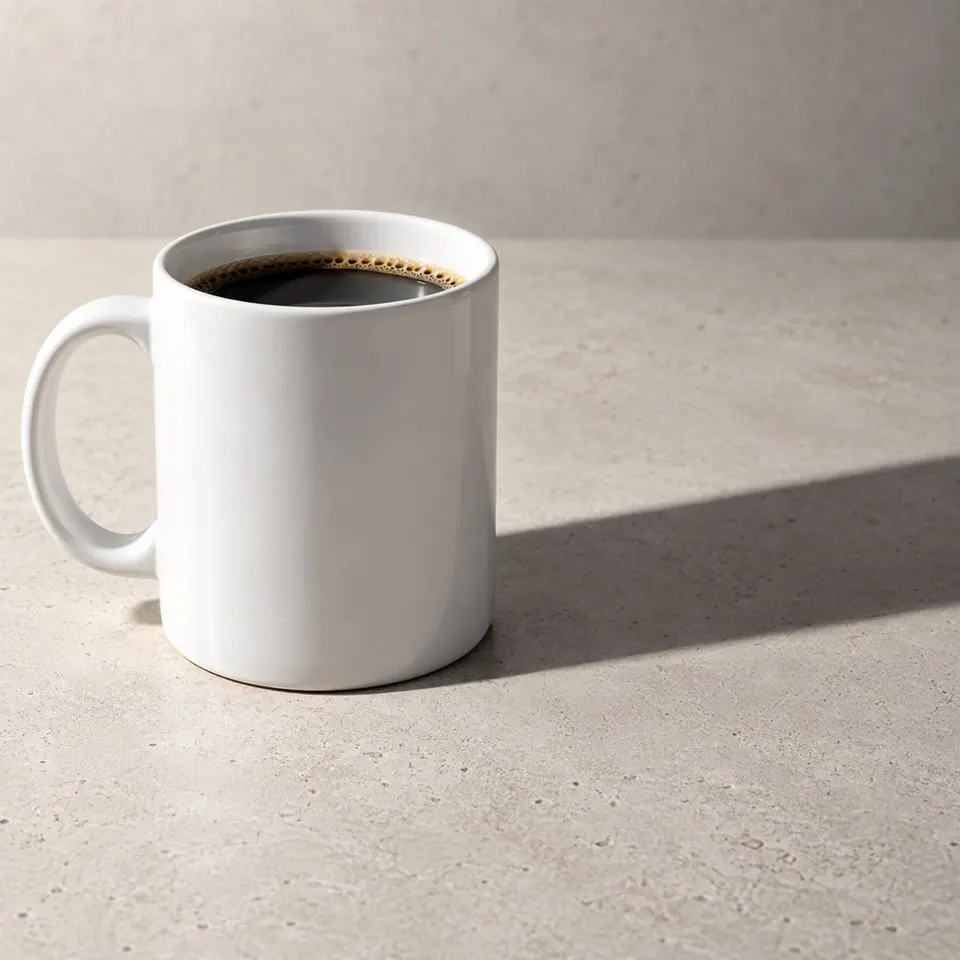
White mug with a dark diagonal cast shadowWhite mug after the selected cast shadow was reduced
In this example, the darkest region is shortened and lifted, while a directional shadow and natural contact remain. This workflow reduces cast shadows; it does not flatten all lighting.

Local photo cleanup

Reduce a cast shadow without flattening the whole image

Localized rebalancing keeps intended lighting outside the mask. Use this for shadows projected onto a wall, floor or tabletop.

JPEG, PNG or WebP · up to 10 MB

Best starting point

Cast shadows on continuous surfaces

Use the surrounding wall, floor or tabletop as evidence for a local repair. Preserve the object outline, contact point and enough normally lit surface outside the mask to keep direction and material believable.

Not offered yet

Face and product-body shadows

Shading on a face or on the product itself describes its shape. Rebuilding it can change facial features or product details. Use this tool for shadows falling onto a separate continuous surface.

Select the transition, not the whole photograph

Include the shadow edge and the dark interior that needs correction. Keep the object outline, contact point and enough normally lit surface outside the mask so the model can infer material and direction. Several smaller repairs are easier to judge than one broad relighting pass.

What to inspect

  • • Texture continuity at the mask boundary
  • • A believable contact shadow under the subject
  • • Consistent light direction and color temperature
  • • An unchanged object silhouette and background outside the mask